Everyone tells you to avoid git rebase. “It’s dangerous!” “You’ll lose commits!” “Just merge!”
I used to think that too. Then I joined a team that rebases everything and our git history is actually readable. Here’s what changed my mind.
The merge commit mess
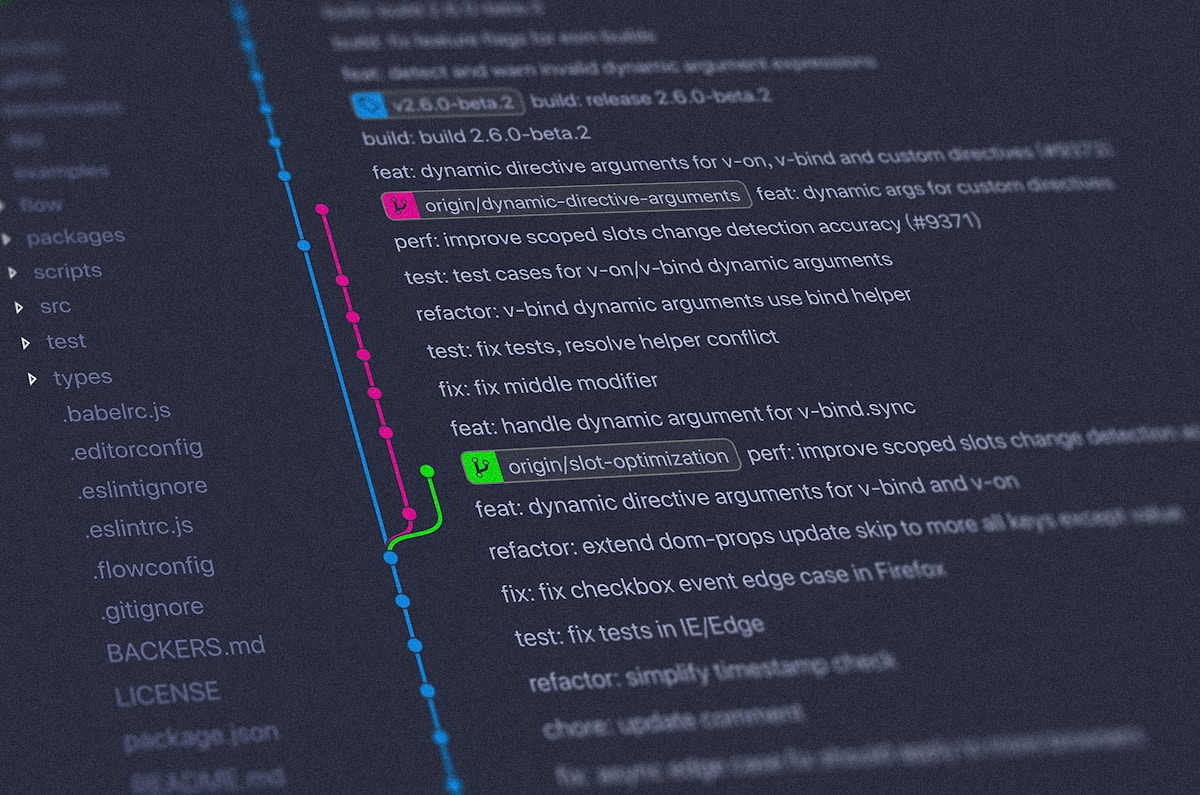
This was our git log before rebasing:
* Merge branch 'feature/user-auth'
|\
| * Fix typo in button text
| * Update tests
| * Merge main into feature/user-auth
| |\
| |/
|/|
* | Merge branch 'fix/header-spacing'
|\ \
| * | Adjust header margin
* | | Merge branch 'feature/notifications'
|\| |
| |/
|/|
See those merge commits? They add zero value. Just noise. Finding where a feature was added means clicking through 5 merge commits.
After switching to rebase:
* Add notification system
* Adjust header margin
* Fix typo in button text
* Update tests
* Add user authentication
Linear history. Each commit is an actual change. No merge cruft.
How rebase actually works
Stop thinking about it as “scary surgery.” Think about it as “replay commits on a newer base.”
You have a feature branch:
main:     A---B---C
               \
feature:        D---E
Someone merged changes to main:
main:     A---B---C---F---G
               \
feature:        D---E
Merging creates a merge commit:
main:     A---B---C---F---G---M
               \             /
feature:        D-----E-----
Rebasing replays your commits on top of the latest main:
main:     A---B---C---F---G
                           \
feature:                    D'---E'
Your commits D and E are replayed as D’ and E’. Same changes, different base.
The basic workflow
This is what I do every day:
# Update main
git checkout main
git pull

# Rebase my feature branch
git checkout feature/user-profile
git rebase main
If there are no conflicts, done. Your feature branch now has all the latest main changes and maintains linear history.
Handling conflicts
This is where people panic. Don’t.
git rebase main
# CONFLICT (content): Merge conflict in user.ts
Git pauses the rebase. You fix the conflict like you would in a merge:
# Open the conflicting file
code user.ts

# Fix the conflict, then:
git add user.ts
git rebase --continue
Git replays the next commit. If there’s another conflict, repeat. If you mess up:
git rebase --abort
This cancels everything and returns your branch to the state before you started.
Interactive rebase (the power tool)
This is where rebase gets really useful:
git rebase -i HEAD~5
Opens an editor showing your last 5 commits:
pick a1b2c3d Add user model
pick d4e5f6g Add user routes
pick h7i8j9k Fix typo
pick k0l1m2n Update tests
pick n3o4p5q Fix typo again
You can:
- Reword: Change commit message
- Edit: Stop and modify the commit
- Squash: Combine with previous commit
- Fixup: Squash but discard this commit message
- Drop: Delete this commit
Let’s clean this up:
pick a1b2c3d Add user model
pick d4e5f6g Add user routes
fixup h7i8j9k Fix typo
pick k0l1m2n Update tests
fixup n3o4p5q Fix typo again
Result: 5 commits become 3 clean commits. No “Fix typo” commits in the history.
When to squash
I squash:
- Typo fixes
- “Oops forgot to add file” commits
- “WIP” commits
- Multiple commits that are really one logical change
I keep separate:
- Different features
- Separate bug fixes
- Refactoring vs feature work
Example: adding a login feature might end up as one commit “Add user authentication” instead of 8 commits including “Fix lint error” and “Update test snapshot.”
The golden rule
Never rebase commits that have been pushed to shared branches.
If someone else has pulled your commits, rebasing rewrites history and causes chaos. They’ll have a diverged history and merging becomes a nightmare.
Safe:
# Your feature branch, not pushed yet
git rebase main
git push origin feature/user-profile
Also safe:
# Your feature branch, pushed but nobody else has pulled it
git rebase main
git push origin feature/user-profile --force-with-lease
Dangerous:
# main branch that others have pulled
git checkout main
git rebase feature/something
# DON'T DO THIS
–force-with-lease
Don’t use --force. Use --force-with-lease:
git push --force-with-lease
This only force-pushes if nobody else has pushed to the branch since your last pull. If they have, it fails instead of overwriting their work.
Saved me from overwriting a teammate’s commits at least twice.
Aborting mid-rebase
Got halfway through a rebase and realized you’re screwed? Abort:
git rebase --abort
This is way easier than trying to fix a broken merge. Hit abort, take a breath, try again.
If you already finished the rebase but want to undo it:
git reflog
# Find the commit before the rebase (like HEAD@{3})
git reset --hard HEAD@{3}
Rebasing vs merging
When to merge:
- Merging main into main
- Integrating long-running feature branches
- When you want to preserve exact history of parallel work
When to rebase:
- Updating your feature branch with latest main
- Cleaning up commits before PR
- When you want linear history
We use both. Rebase for feature branches, merge for main. Gives us clean feature branches and preserved integration points.
The autosquash trick
Add this to your .gitconfig:
[rebase]
    autoSquash = true
Now you can:
git commit -m "Add user model"
# ... later ...
git commit --fixup a1b2c3d  # References the first commit hash
When you git rebase -i --autosquash main, git automatically marks fixup commits for squashing. No manual editing needed.
Dealing with binary conflicts
The worst: merge conflicts in package-lock.json or yarn.lock.
Don’t resolve them manually. Do this:
git rebase main
# CONFLICT in package-lock.json
git checkout --theirs package-lock.json  # Use their version
npm install  # Regenerate lock file
git add package-lock.json
git rebase --continue
Trying to manually merge package-lock.json is pointless. Just regenerate it.
My actual workflow
# Start feature
git checkout -b feature/thing
# ... work work work ...
git add -p  # Stage changes interactively
git commit -m "WIP: thing"

# Iterate
# ... more work ...
git commit --amend  # Add to previous commit instead of new WIP commit

# Before pushing
git rebase -i main  # Clean up commits
git push origin feature/thing

# Update feature with latest main
git fetch origin
git rebase origin/main
git push --force-with-lease
The key: clean up before pushing. Once it’s pushed, be more careful. But while it’s local, rebase freely.
When rebase saved our ass
We had a bug in main. Fixed it, but 4 feature branches were based on the buggy code.
With merging, each branch would merge the buggy main, then we’d merge the fix into each branch. Then merge the branches back to main. Git graph looked like spaghetti.
With rebasing:
# For each feature branch:
git checkout feature/whatever
git rebase main  # Gets the bug fix automatically
Linear history, bug fixed in all branches, no merge commit soup.
What actually matters
Rebase isn’t scary if you:
- Understand it replays commits, doesn’t delete them
- Use –abort when things go wrong
- Don’t rebase shared history
- Practice on a test repo first
The git history cleanup alone is worth it. When you need to find when a bug was introduced, linear history makes git bisect actually useful. Good luck bisecting through 50 merge commits.
Try it on a feature branch. If it goes wrong, git rebase --abort. If it goes really wrong, git reflog can save you. You’ll probably never go back to merge-only workflows.